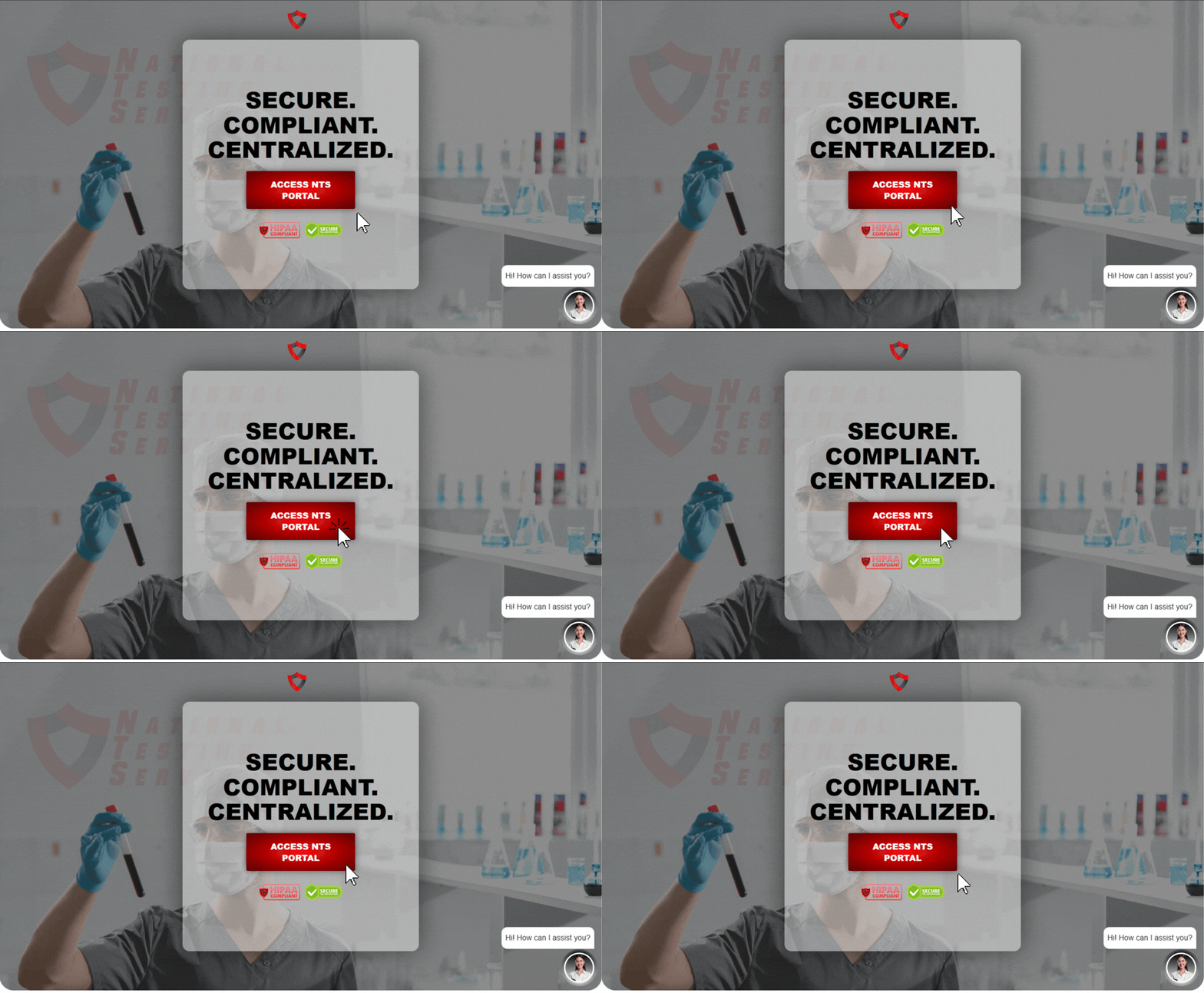
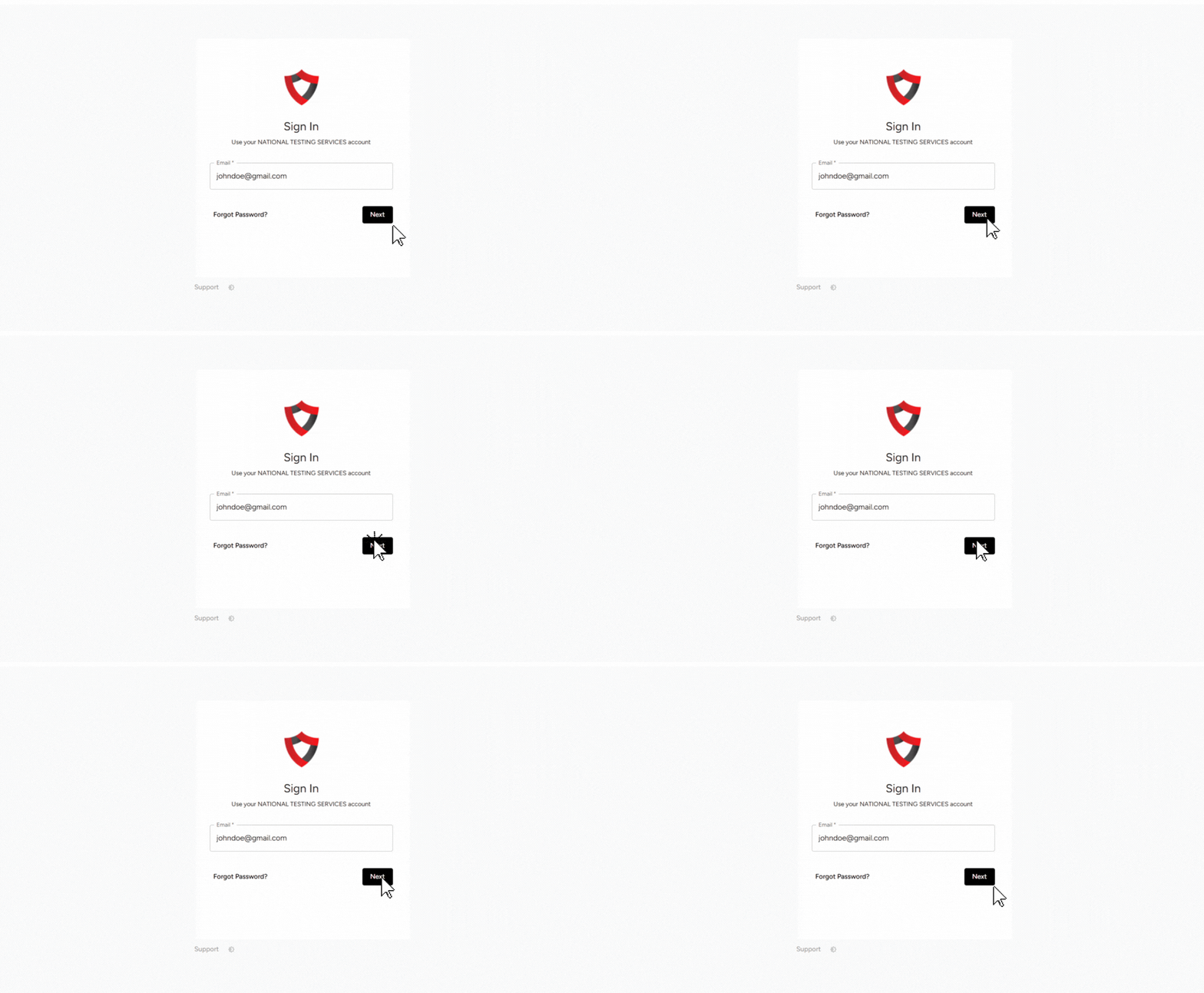
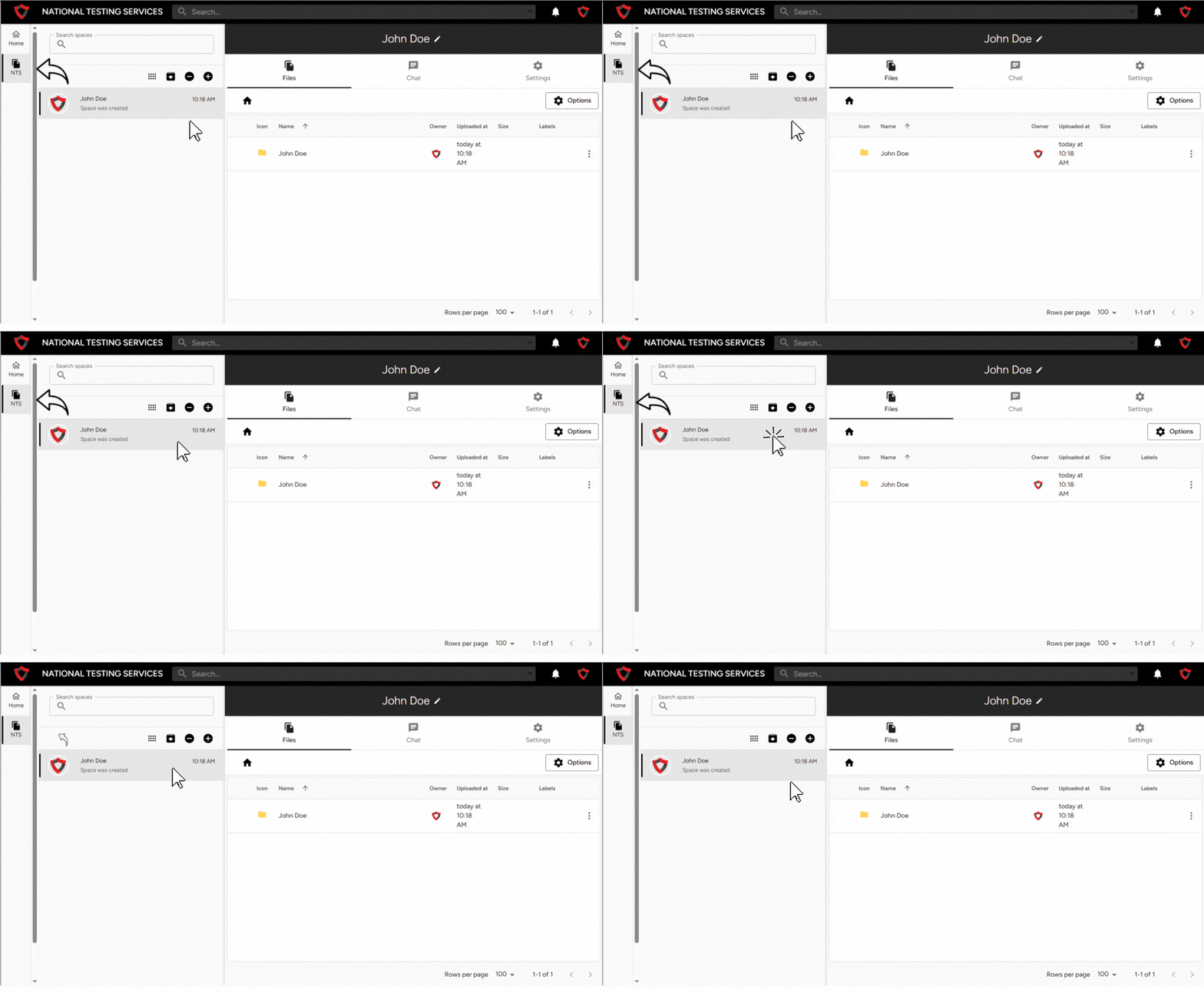
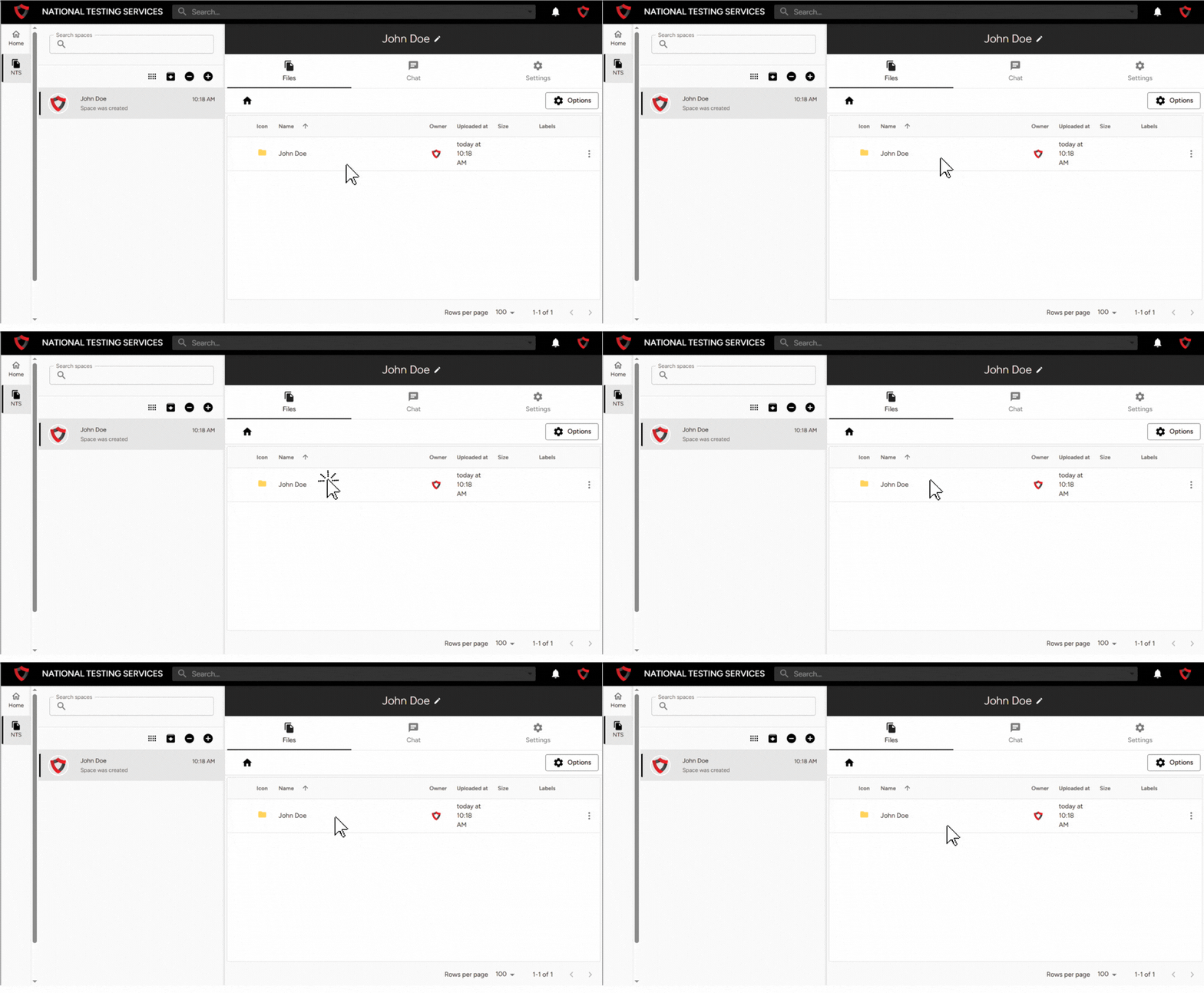
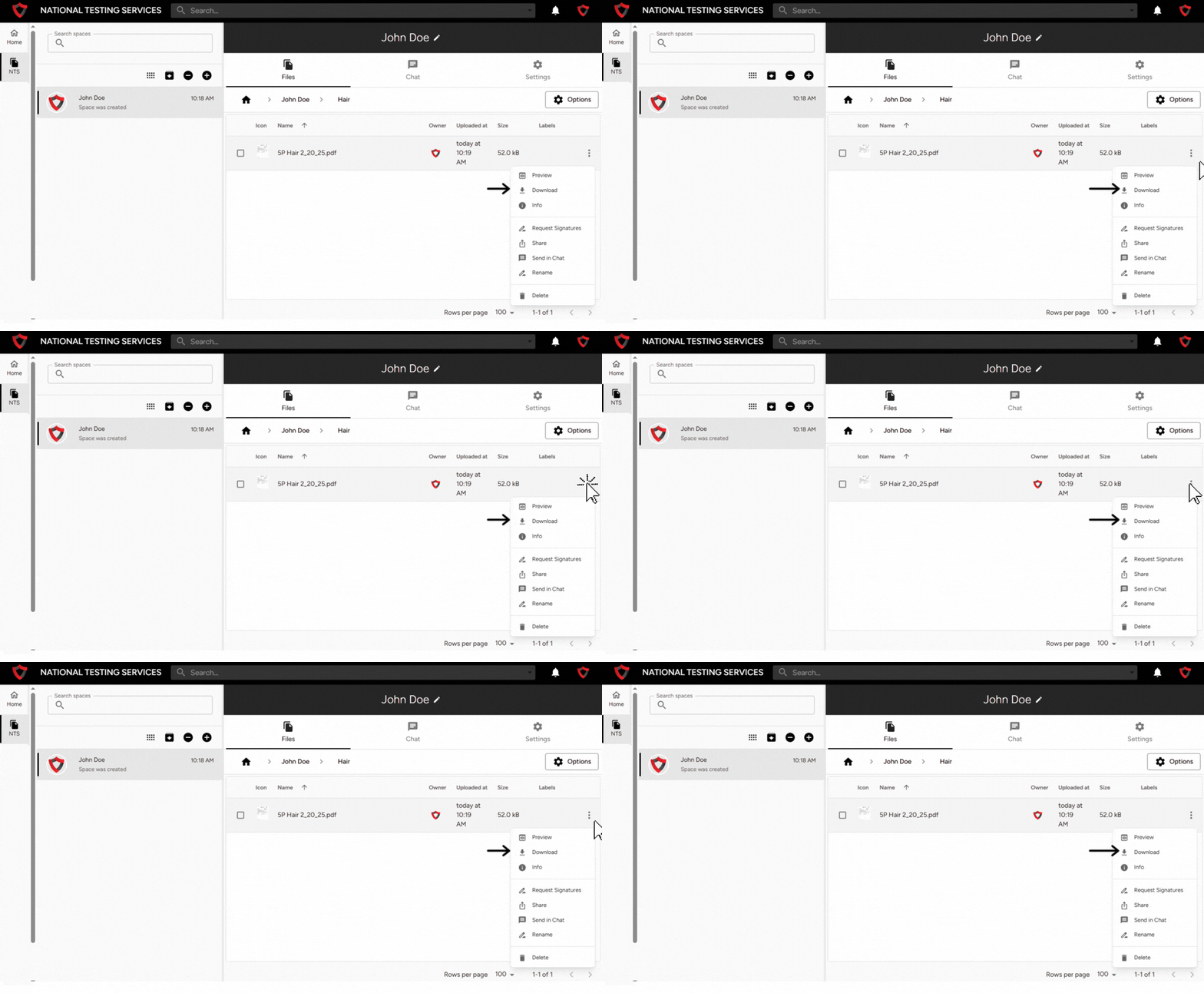
How to Access NTS Lab Results How to Access and download NTS Lab Results Step 1: Go to the NTS Connect PortalOpen your browser and go to:🔗 https://portal.natl-ts.comClick the red button that says “Access NTS Portal”. Step 2: Log In to Your AccountLog in using your NTS Connect account credentials.⚠️ If you do not have an account yet, please contact NTS and request an invite link to create your account. tep 3: Open Your NTS SpaceAfter logging in, locate the left-hand sidebar menu.Click the NTS icon.Select your NTS space. Step 4: Locate Your Lab ResultsInside your NTS space, you will see a file directory.Folder name will be labeled with YOUR NAMEClick the folder to open it.The Lab Test Results will be inside. Step 5: Download Your Lab Test ResultsFind the file you want to download.Click the vertical three dots (⋮) on the right side of the file.Select Download.